 Français
 Special Font Generator
Create Stylish Text for Bios, Captions, and Profiles
Try a Style Before You Explore
Preview popular text looks and find a style that fits your name, bio, caption, or message.
Find a Font Style for Your Mood
Choose a mood and explore special font styles that match the way you want your text to feel.
Cute
For soft bios, friendly names, and playful captions.
Bold
For standout usernames, headers, and short messages.
Elegant
For classy bios, quotes, and personal branding.
Gamer
For gaming names, Discord-style profiles, and online communities.
Aesthetic
For social profiles, moodboards, and creative posts.
Fun
For jokes, statuses, memes, and casual messages.
Popular Special Font Tools
Start with the most-used special font tools for names, bios, captions, profiles, and short creative text.
Cursive Font Generator
Create smooth cursive-style text for bios and captions.
Try it →Small Caps Font Generator
Make clean small caps text for names and short phrases.
Try it →Bubble Font Generator
Create rounded playful text for fun profiles and posts.
Try it →Monospace Font Generator
Make neat tech-style text for messages and usernames.
Try it →Bio Font Generator
Style short profile text for social media bios.
Try it →Social Media Font Generator
Make copy-ready text for social platforms and online content.
Try it →Made for the Places You Post Every Day
Special fonts work best when you use them for short text that needs personality, style, or quick attention.
Social Bios
Make your profile bio more personal with a styled name or short description.
Usernames
Create a creative username that stands out in comments, profiles, and chats.
Captions
Add style to your post captions and highlight key words in a fun way.
Messages
Send styled text in messages to make your words feel more expressive.
Gaming Profiles
Style your gaming name for profiles, leaderboards, and online communities.
Creative Projects
Use styled text in moodboards, social graphics, and short visual content.
Type, Choose, Copy, Paste
Using a special font generator is simple. Follow these four steps to create styled text in seconds.
Type Your Text
Enter a name, phrase, caption, or short message.
Pick a Style
Choose from cursive, bold, gothic, bubble, small caps, aesthetic, and more.
Copy It
Copy your favorite version with one click.
Paste Anywhere
Use it in bios, captions, usernames, messages, profiles, or posts.
See What Your Text Can Become
A few simple examples show how normal words can turn into special copy-ready text styles using a special font generator.
Use special fonts for short text. Normal text is usually better for long paragraphs or important information.
Why Use a Special Font Generator?
Instant Results
Type your text and see styled versions right away without waiting or reloading.
Easy Copying
Copy your chosen style with a single tap or click and paste it where you need it.
Many Style Choices
Choose from cursive, bold, bubble, gothic, small caps, and more creative styles.
No Design Skills Needed
You do not need graphic design experience or typography knowledge to create great looking text.
Great for Short Text
Special fonts work best for short text like names, bios, captions, and highlights.
Browser-Based
Everything works in your browser. No downloads, no installs, no setup required.
Tips for Using Special Fonts the Right Way
Make the most of special fonts with these simple, practical tips for better readability and style.
Use decorative styles for short phrases, not long paragraphs. Reserve fancy fonts for names, bios, captions, and highlights.
Keep names and bios readable. Your styled text should still be easy to recognize at a glance.
Test styled text on mobile before using it everywhere. Some characters may display differently on small screens.
Use one or two styles at a time. Mixing too many styles can make text harder to read and less effective.
Use normal text for important details like emails, phone numbers, and business information. Clarity matters most there.
Font Guides, Tips, and Style Ideas
Learn how fonts work across social platforms, websites, design tools, and online profiles.
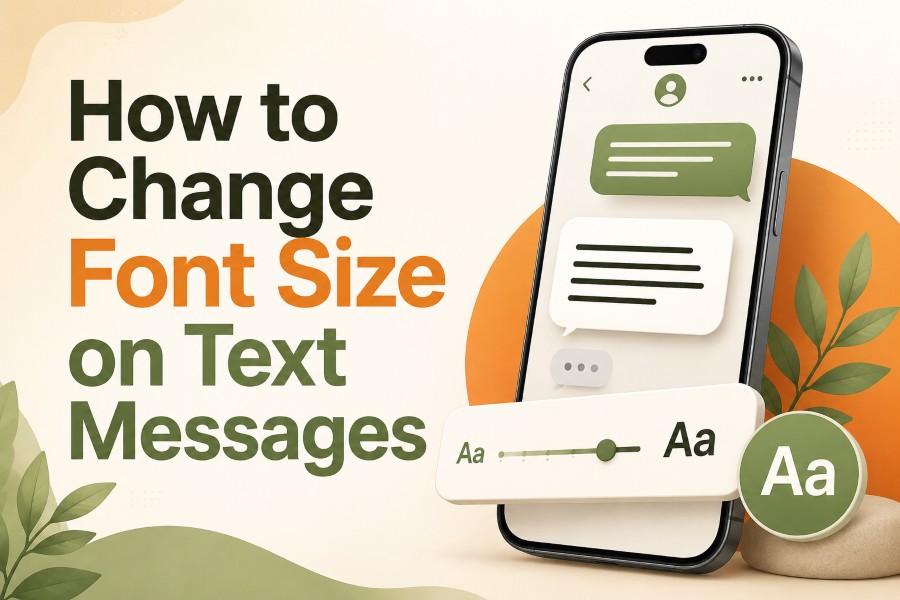
How to Change Font Size on Text Messages
Learn how to adjust text message font size for easier reading and better mobile accessibility.
Read More →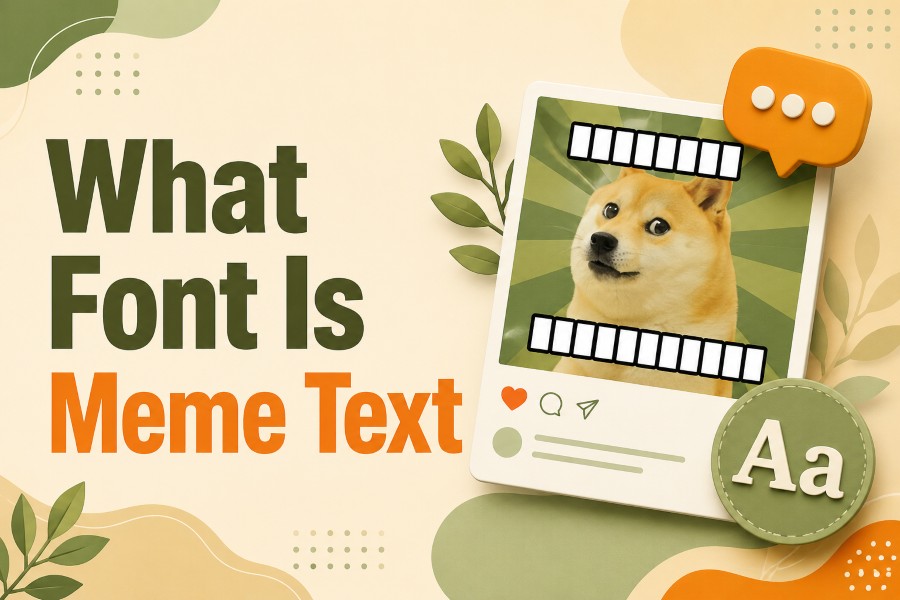
What Font Is Meme Text?
Find out which fonts are commonly used in classic meme text and viral internet captions.
Read More →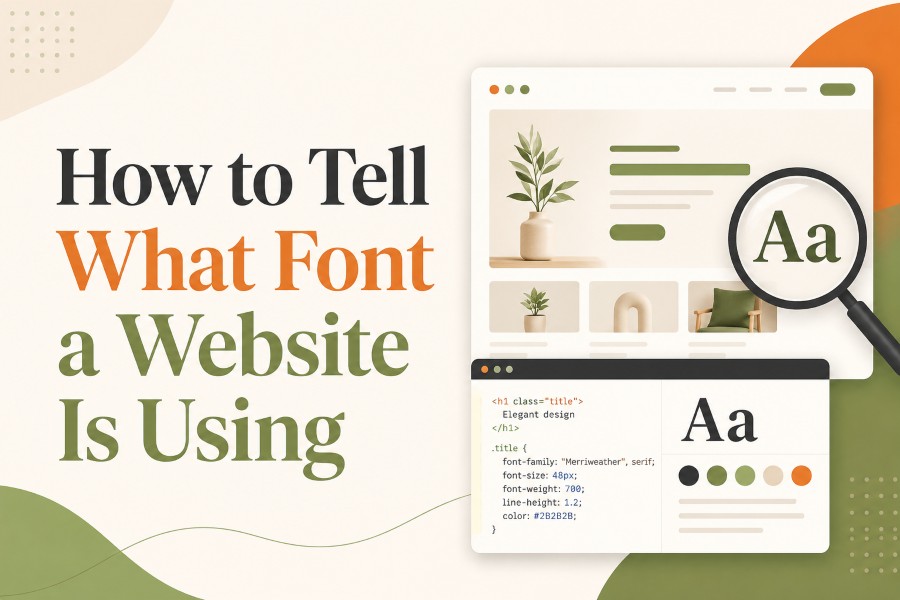
How to Tell What Font a Website Is Using
Discover simple ways to identify fonts used on any website with easy browser methods.
Read More →
What Font Is the Star Wars Logo?
Explore the font style behind the iconic Star Wars logo and similar cinematic typefaces.
Read More →
What Font Does the Washington Post Use?
Learn about the newspaper-style typography used by The Washington Post and similar fonts.
Read More →Special Font Generator FAQs
A Special font generator turns normal text into styled Unicode text that you can copy and paste into bios, captions, usernames, posts, and messages.
Most copy-and-paste special fonts are Unicode characters, not traditional font files. They look like different fonts but work as styled text characters.
Yes. You can paste special fonts into many social media apps, bios, captions, and usernames. Some platforms may display certain characters differently.
No. You can use the tool in your browser without downloading software.
Special fonts are best for short text like names, bios, captions, and highlights. Normal text is better for long paragraphs and important information.
Yes. Many users create styled names for gaming profiles, Discord-style names, and online communities.
Ready to Create Special Fonts?
Type your text, choose a style, copy it, and use it wherever your words need a creative touch.
Start Creating